
0
Product added
| Reference Ocarat | #80037 |
| Brand | Ocarat |
| Product Type | Service - Shipping |
IMPORTANT: How to Complete Your Return the Right Way
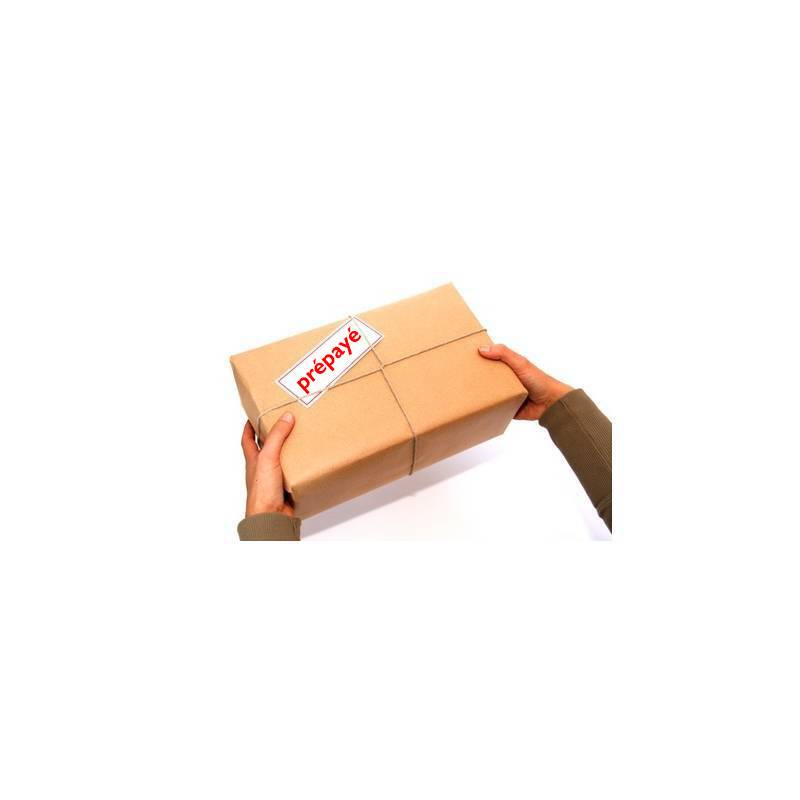
For customers residing in mainland France who have placed an order with Ocarat, we make returns easy by letting you purchase a Privilege Prepaid Return via a prepaid Colissimo label - regardless of the value or weight of your package.
Please note that to use this service, you will need access to a printer to print the "Prepaid Privilege Return" email.
If this solution works for you, follow our return policy procedure by logging into your customer account under "Your Orders", selecting the order you wish to return, checking the item(s) to be returned, indicating the reason if possible, your preference, and any additional information - then click "Generate Your Return". A window will open where you can download your return form, which must be included in your package (or copy its contents onto a blank sheet if you don't have a printer). You can then click the "Pay for Your Colissimo Label" button to receive your prepaid Ocarat privilege return label by email once payment is complete - ready to print and stick on your package. You can then drop your package off at a post office. Be sure to keep the stamped proof of deposit from the detachable portion of the label.
Please note that any alteration and/or modification of the return label we send you by email will void our insurance coverage and liability for the contents of the package. Any package showing signs of having been opened will be flagged with the carrier and refused for return to sender. Please make sure to secure your package properly.

Share :
Prepaid Privilege Return
(Ref. 80037)
Official European Union notice on your rights in the event of a product's lack of conformity.